Try 7-day FREE trial
 Contact Us
 1.866.432.4868
 Back to Home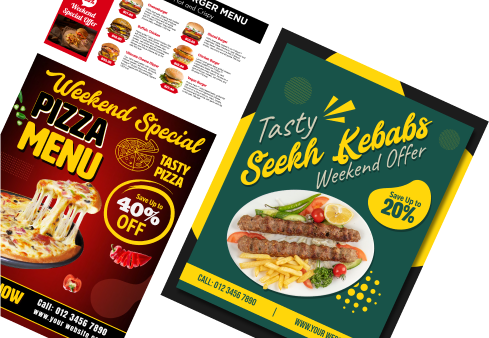
The way Signage Design Software Works
Quick and effective steps to get started with digital signage application.
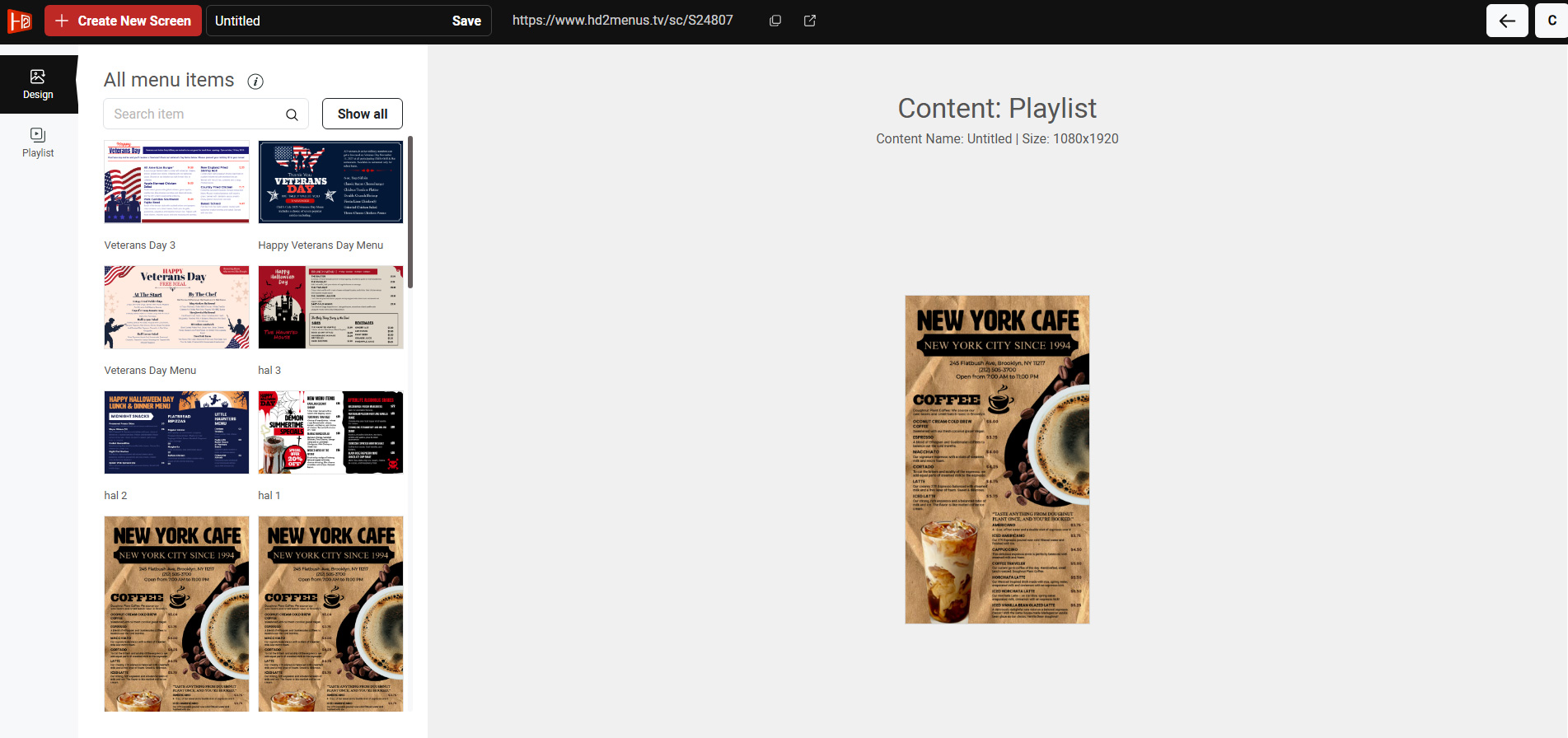
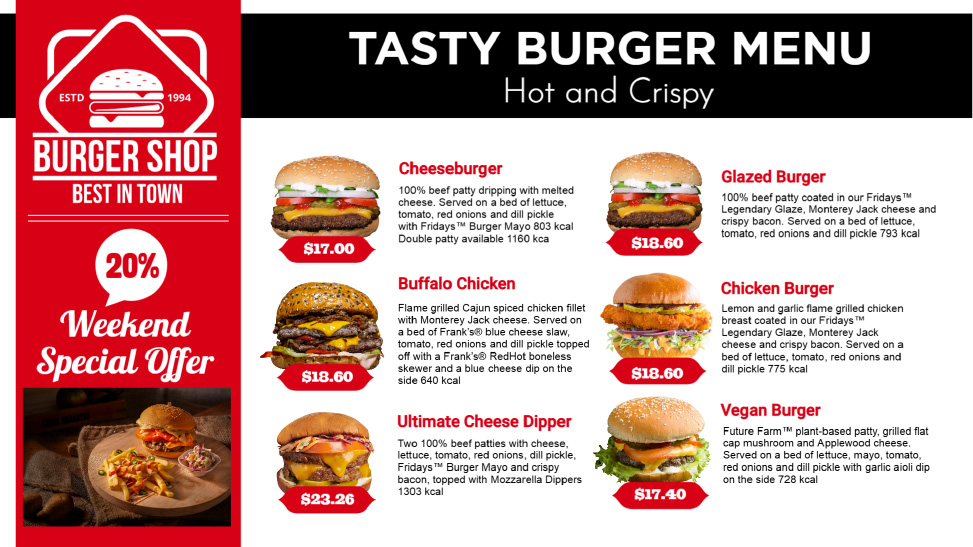
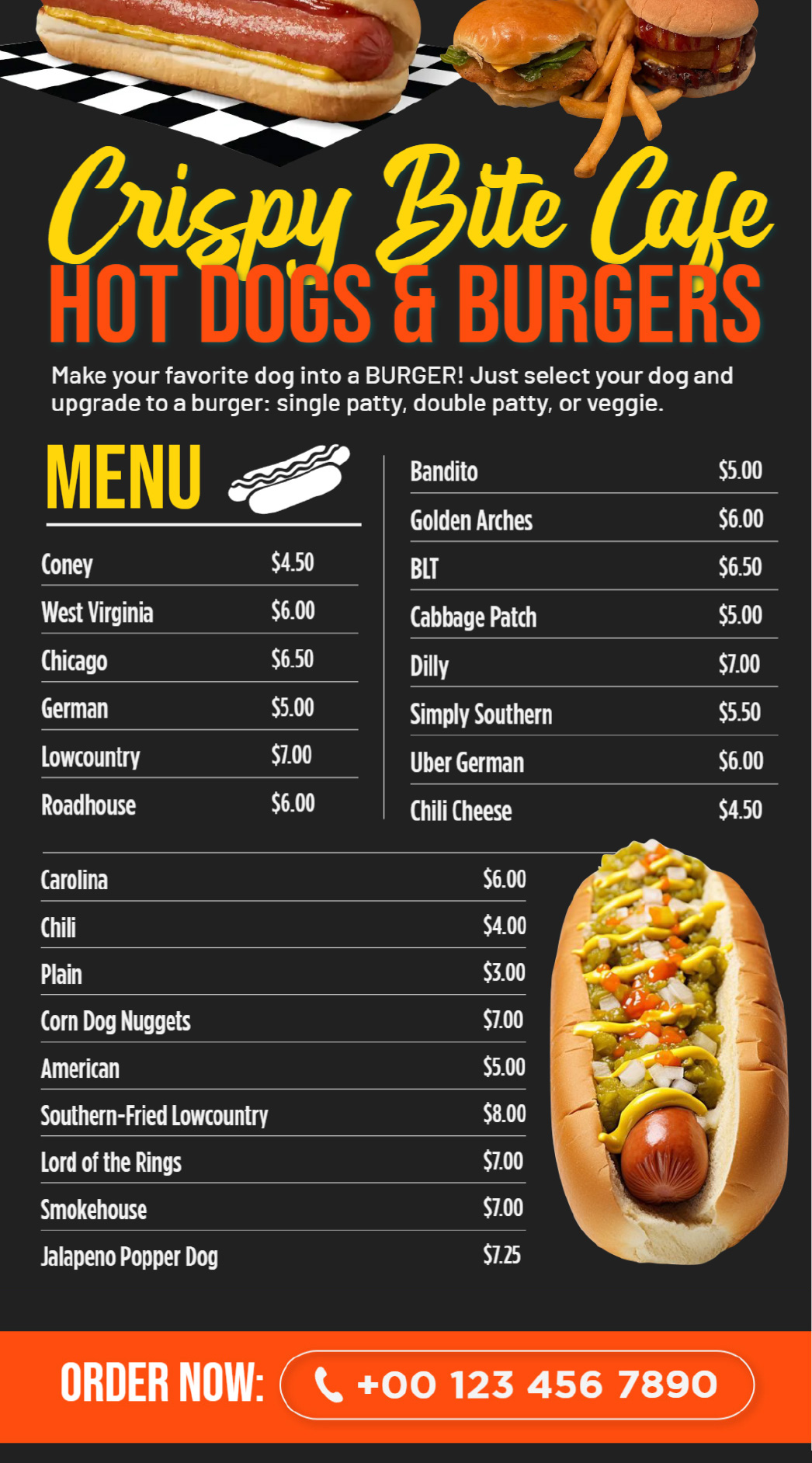
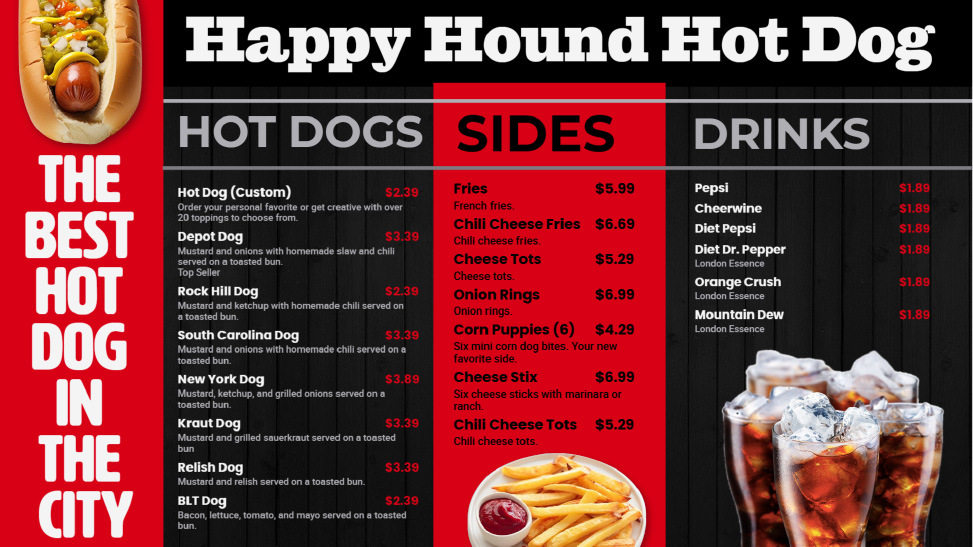
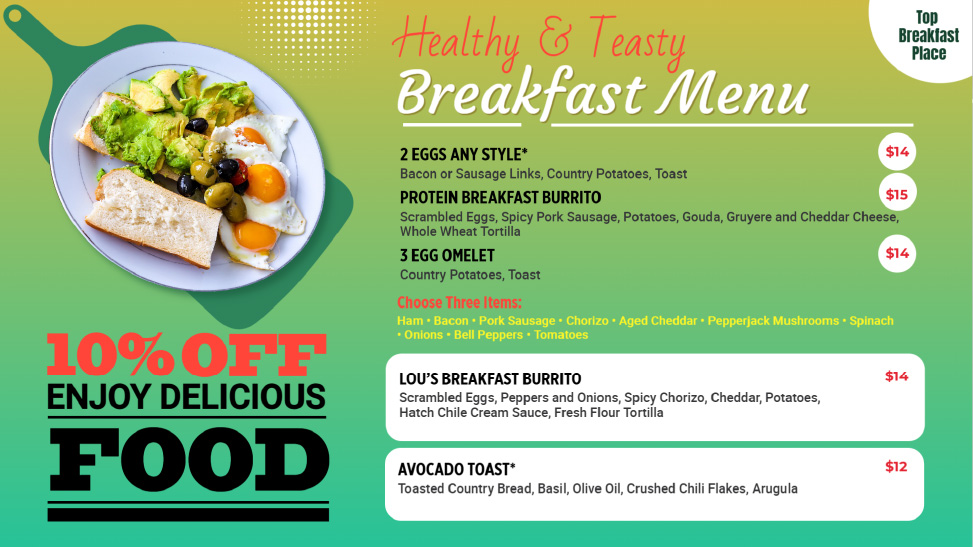
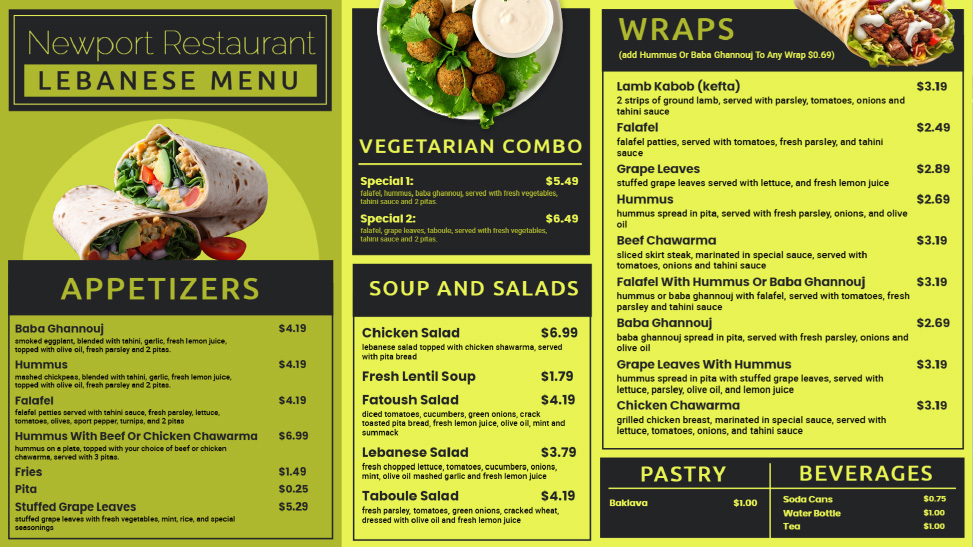
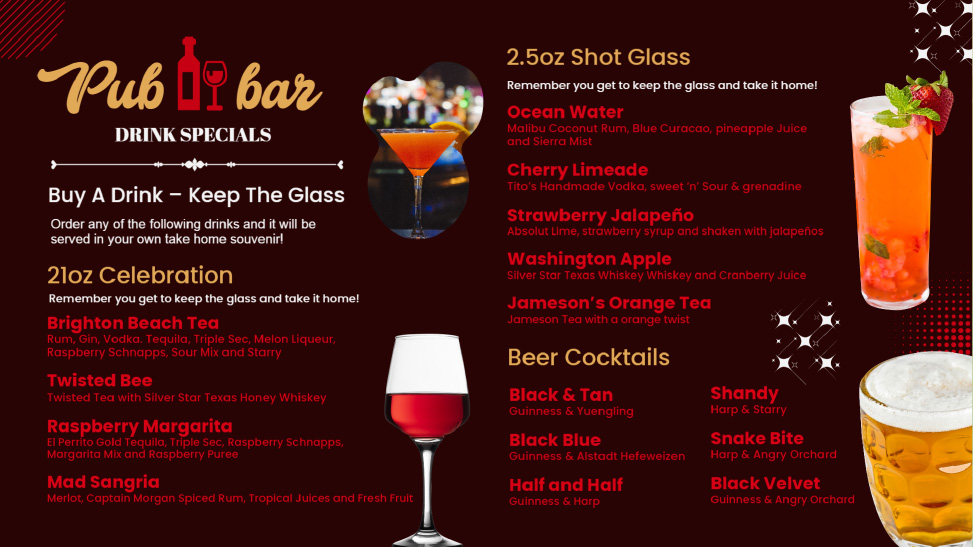
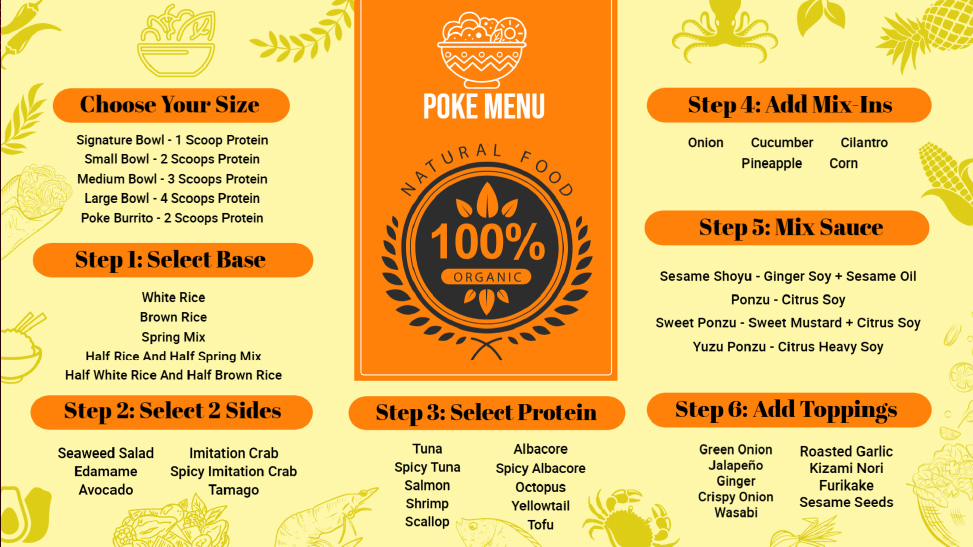
1Pick your preferred menu or create new design
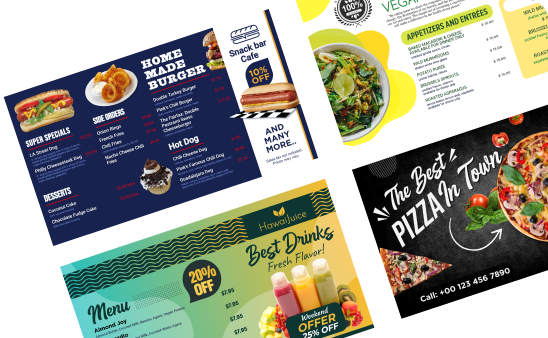
You can choose any digital menu template available in the gallery or create your custom design.
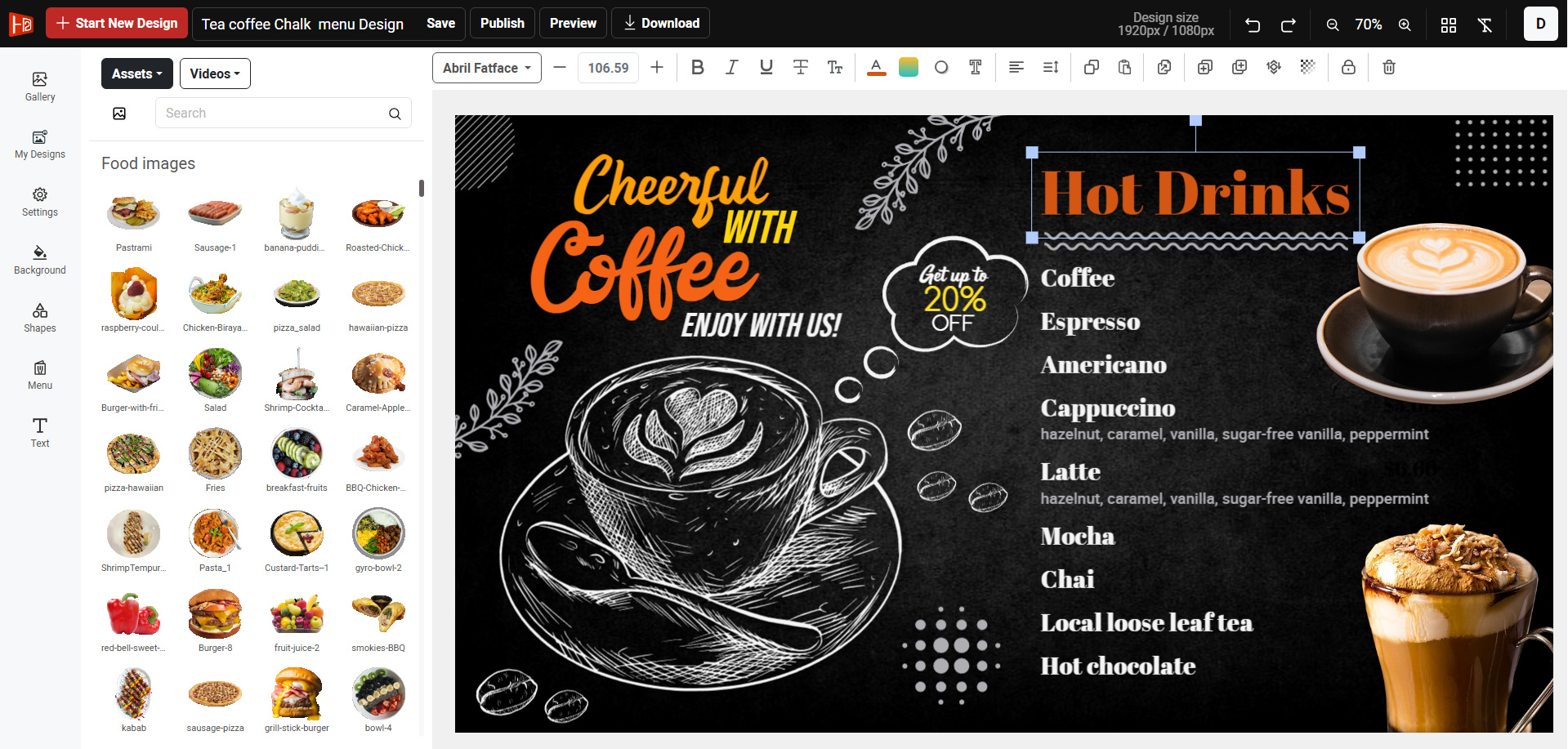
2Edit the design
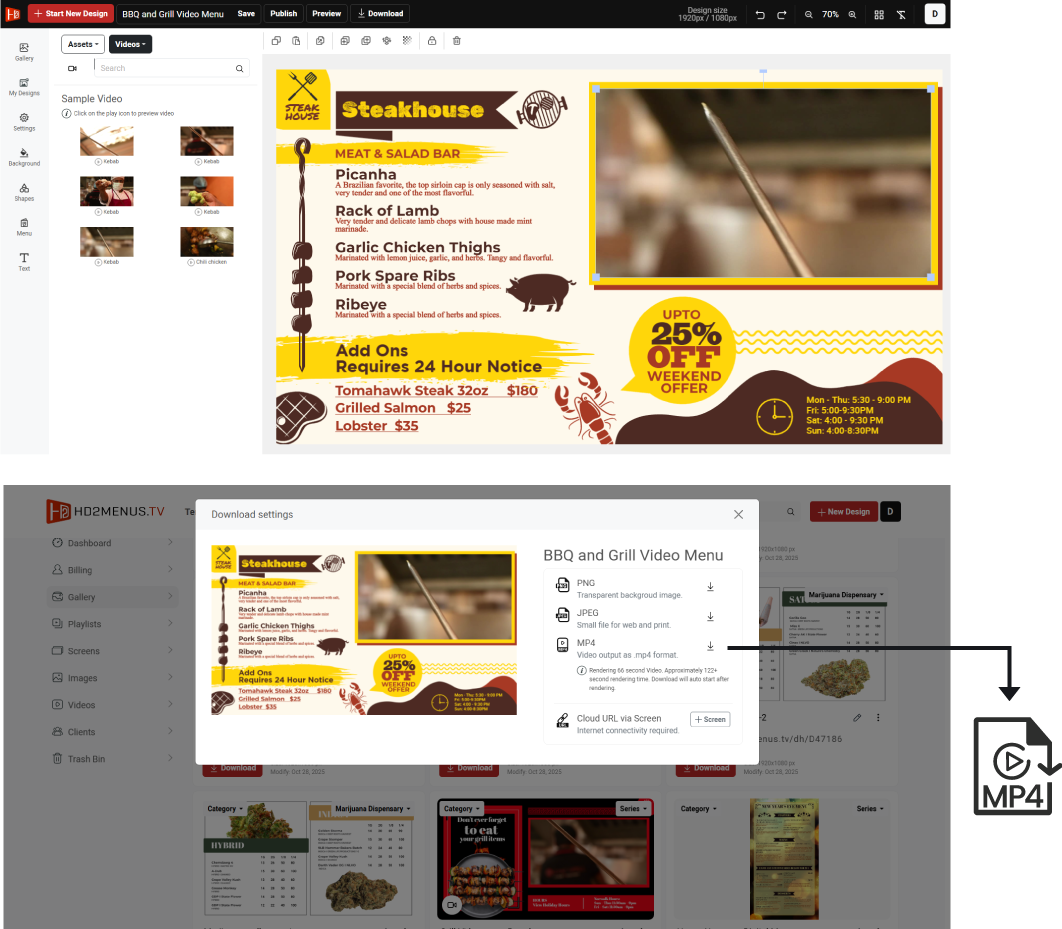
✔ Edit menu items and price. ✔ Upload your own images and videos. ✔ Customize the design according to brand identity.
3Save and Publish
✔ Download PNG, JPEG or MP4. ✔ HD quality JPEG and PDF for print. ✔ Use via screen URL for instant update.
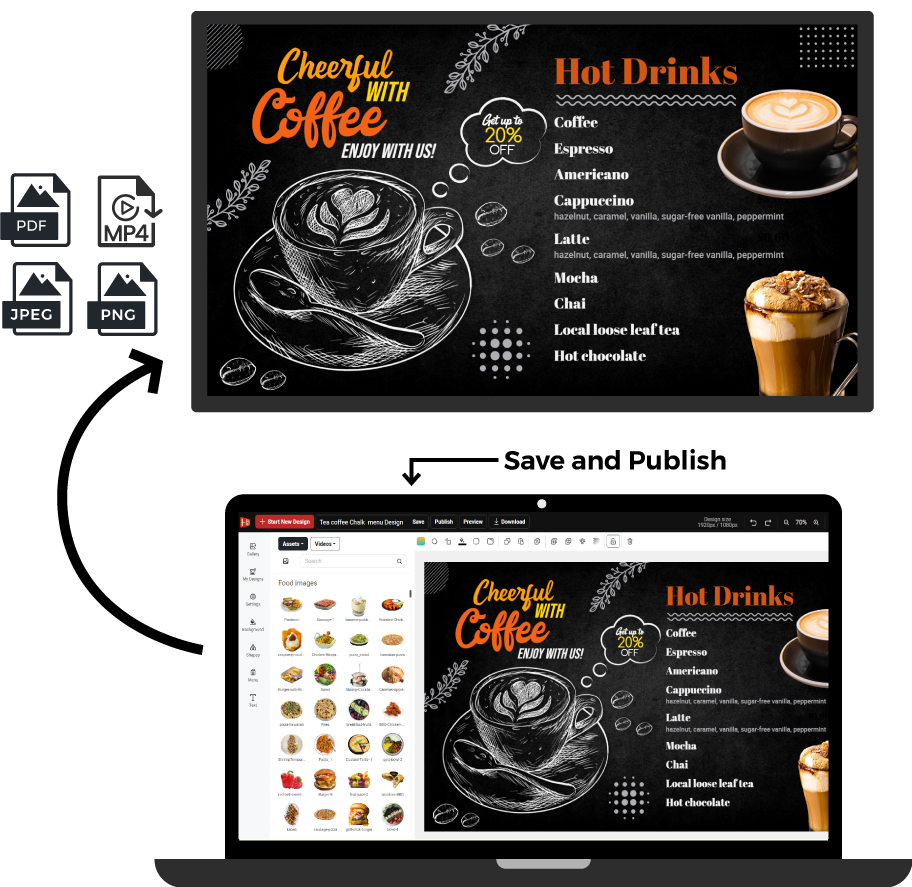
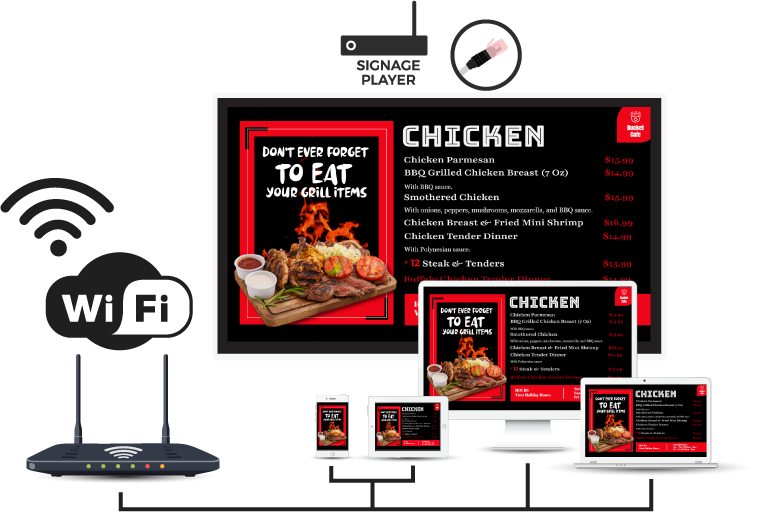
How to integrate with Digital Signage
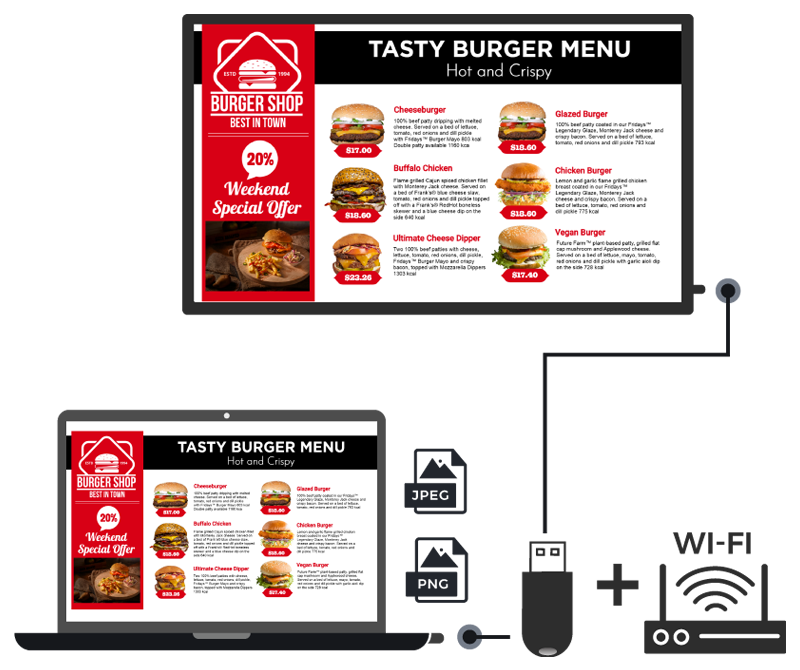
OR Screen OR Smart TV
The HD2Menus.tv menu design application tool can be used by anyone with a digital signage screen or a Smart TV. No other hardware is required.
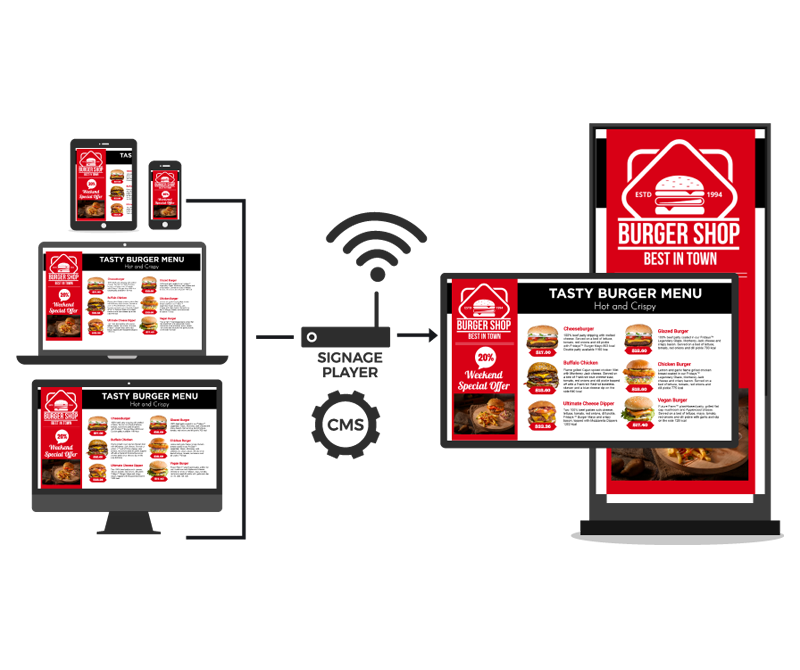
Use at Multiple Screen
Do you want to use multiple screens at your store? No problem at all.
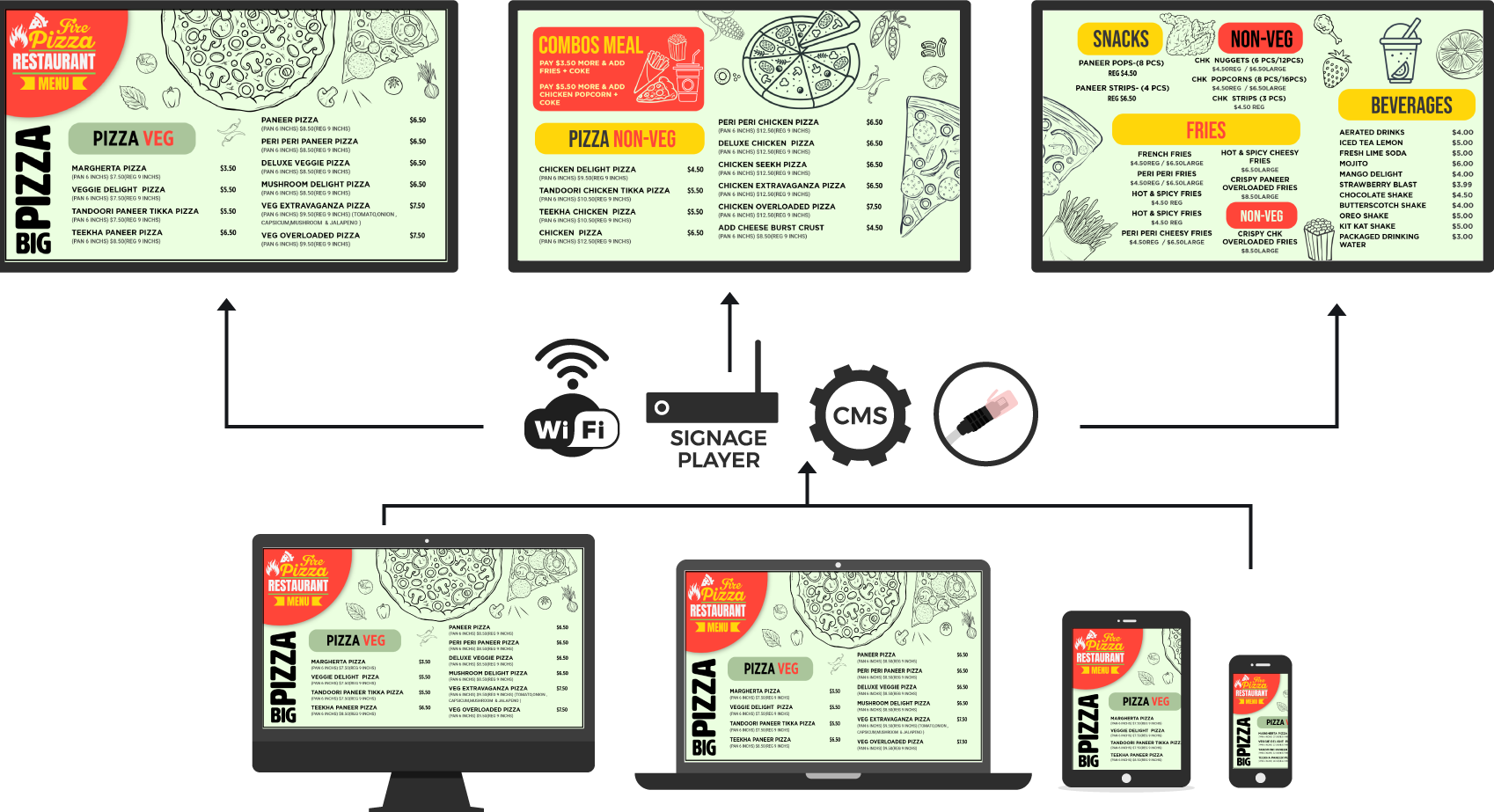
How to use Video Menu
Use screen URL for real time or instant update via Signage Player, Smart TV or any Display screen
How to use Playlist OR Ad Board
Create your playlist for advertisement, marketing or promotional purposes with your menu boards.